Automate and present
Build music rotations and schedules, manage station playback, prepare voice tracks and place spoken links between songs with controlled gaps and timing.
Built at Faithful Radio
AetherDeck Studio brings station automation, live production, streaming, podcasting and music-video creation together in one original Windows broadcast suite.
For Windows 10 or 11 (64-bit). A valid licence is required to install and use the studio.
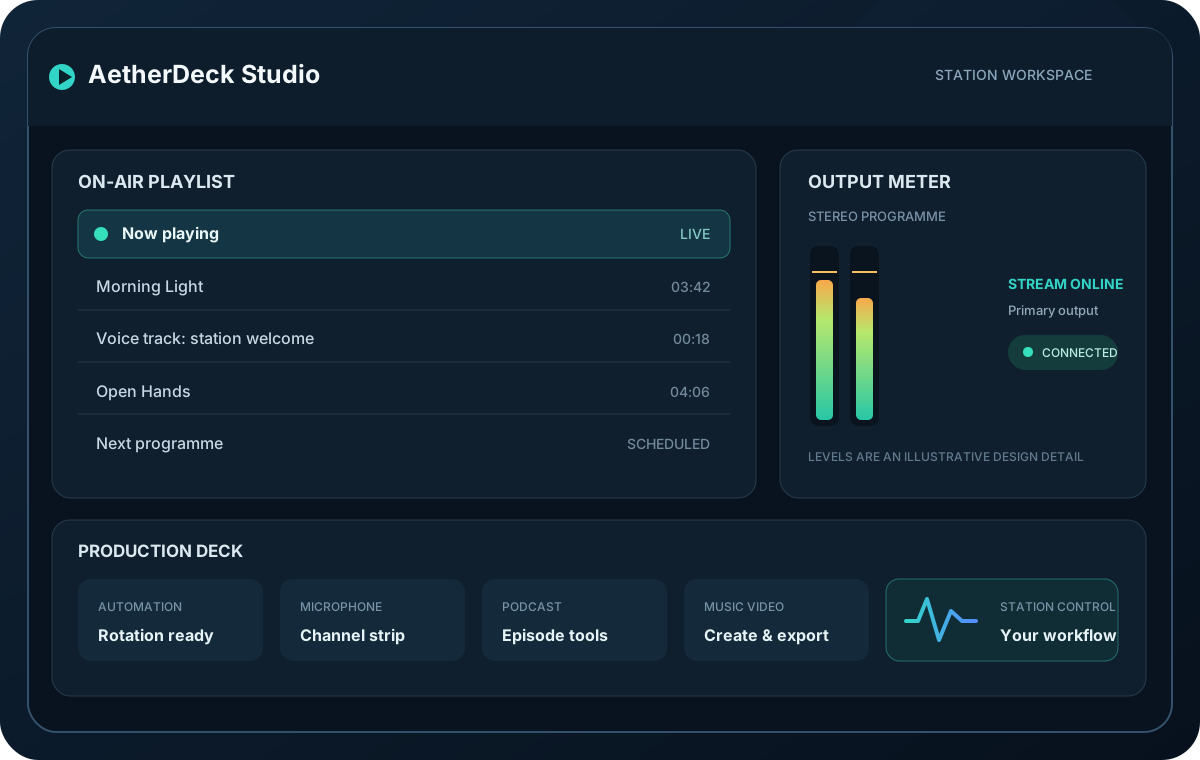
Illustrative product artwork, not a screenshot of the studio.
One studio, many roles
Run a station, shape the sound and make new content with tools designed to work together.
Build music rotations and schedules, manage station playback, prepare voice tracks and place spoken links between songs with controlled gaps and timing.
Use the broadcast console, microphone channel strip, station and podcast EQ, talkover ducking, headphone cue and optional broadcast logging in the production workflow.
Send MP3, AAC-LC, Ogg Vorbis, Opus or FLAC audio through supported destinations. SHOUTcast v1 and native v2 outputs use MP3; RTMP/RTMPS and WebM video outputs are available too.
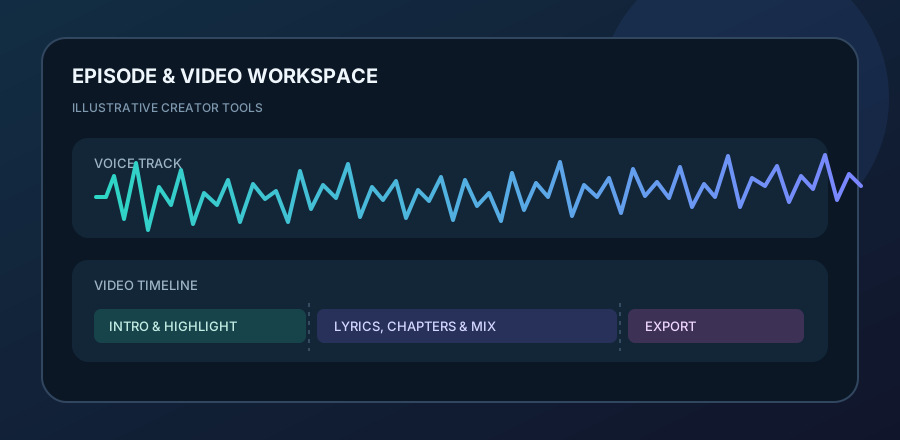
Edit podcast timelines, master loudness, prepare episodes and publish supported podcast feeds. Optional folder watching can publish finished episodes with stability checks and retry handling.
05
Create music-video exports with lyrics, layouts, highlights, a mix timeline and chapters, using the bundled FFmpeg media runtime.
Review station health, alerts, reports, backups and listener geography. Optional phone remote and guest-line tools are deliberately started by the operator, not silently enabled.
Made for real stations
AetherDeck is its own studio—not a skin or dependency for another broadcasting program. Keep station work local, choose the features you need and connect compatible streaming destinations when you are ready.
AetherDeck Studio licence
£299.00
One licence for one named licensee, including 1 year of updates.
Continue to secure checkoutThe latest installer is available from the official AetherDeck Releases page. A valid serial key is required during setup.
See the latest installer and release notes, or visit the licence page for current availability and checkout details.